Lorem ipsum dolor sit amet, consectetur adipiscing elit, sed do eiusmod tempor incididunt ut labore et dolore magna aliqua. Ut enim ad minim veniam, quis nostrud exercitation ullamco laboris nisi ut aliquip ex ea commodo consequat. Duis aute irure dolor in reprehenderit in voluptate velit esse cillum dolore eu fugiat nulla pariatur.
Custom vocabulary vs. custom spelling: which one to choose for better transcripts
Even the most advanced speech-to-text systems make mistakes when they hit brand names, technical acronyms, or non-standard pronunciations. For call centers and customer service platforms, these aren't minor glitches: they break workflows, misrepresent customer needs, and erode trust on both ends of the call.
Build a customer interview library with Gladia, Airtable & Make.com
TL;DR: Most product teams lose qualitative insights to scattered audio and transcripts that misattribute quotes. A reliable interview library needs accurate async diarization, automated routing, and a searchable database. Gladia's Solaria-1 sets the accuracy floor (29% lower WER, 3x lower DER on conversational speech), and Make.com routes its structured JSON into Airtable automatically, turning raw recordings into a searchable, theme-tagged customer content library.
Build an automated sales call analyzer with Gladia and n8n
TL;DR: Off-the-shelf conversation intelligence platforms cost $1,200 to $2,400 per seat per year, while this n8n and Gladia pipeline scales at $0.20 to $0.61 per hour of audio with all features included. The async pipeline handles transcription, speaker diarization, and audio intelligence in a single API call, and the structured JSON output maps directly into HubSpot or Salesforce through n8n nodes. Gladia's Solaria-1 model covers 100+ languages, including 42 that no other API-level competitor supports, protecting CRM data quality for global sales teams.
Best TTS APIs for developers in 2026: Top 8 text-to-speech services
Published on Jan 28, 2026
By Haziqa Sajid
When choosing a text-to-speech API (TTS), developers face crucial practical questions: Which provider delivers the right balance of latency, voice quality, control, and scalability in real production systems?
To find some answers, we tested multiple TTS providers across common developer workflows. Based on latency behavior, voice quality, speech control methods, language support, and integration effort, we shortlisted the top seven APIs. The comparison focuses on real execution behavior rather than isolated sample outputs.
In this blog, we break down how TTS APIs work and highlight the top services in 2026 based on latency, voice quality, flexibility models, and developer experience.
TL;DR: For speed, we evaluated multiple text-to-speech APIs and have shortlisted four providers, with the best performance, based on latency behavior, voice quality, speech control methods, and developer experience:
- Fish Audio S2: delivers the most natural-sounding voice cloning on the market, ranked #1 based on ELO and public benchmarks. - ElevenLabs: Produced highly natural and expressive voices. However, higher end-to-end latency makes it better suited for offline or non-real-time generation. - Amazon Polly: Stood out for reliability, predictable latency, and strong SSML support. It is well-suited for IVR systems and transactional voice use cases. - Google Vertex AI: Delivered the most natural and expressive voices in our tests. It also offers strong multilingual support, but requires careful SSML tuning.
IBM Watson Text-to-Speech
Differentiated though strong support for SSML, allowing real control over pronunciation, pauses, and emphasis.
What is a Text-to-Speech API?
A text-to-speech API converts text handled by a system into synthesized audio through a programmatic interface. Developers send text and receive spoken output without building or maintaining speech synthesis models.
These APIs handle speech generation, scaling, and audio delivery. This allows teams to add voice output quickly while relying on managed infrastructure for reliability and performance.
Most modern TTS APIs support both batch generation and real-time streaming. This makes them suitable for voice agents, IVR systems, accessibility tools, and interactive applications.
Core capabilities typically include accepting plain text or SSML for speech control, selecting voices or styles, and returning audio as files or streams in formats such as MP3, WAV, or PCM.
8 Best text-to-speech APIs for developers
With the above context in mind, let's dive into the best TTS APIs and understand when to use them.
1. Fish Audio
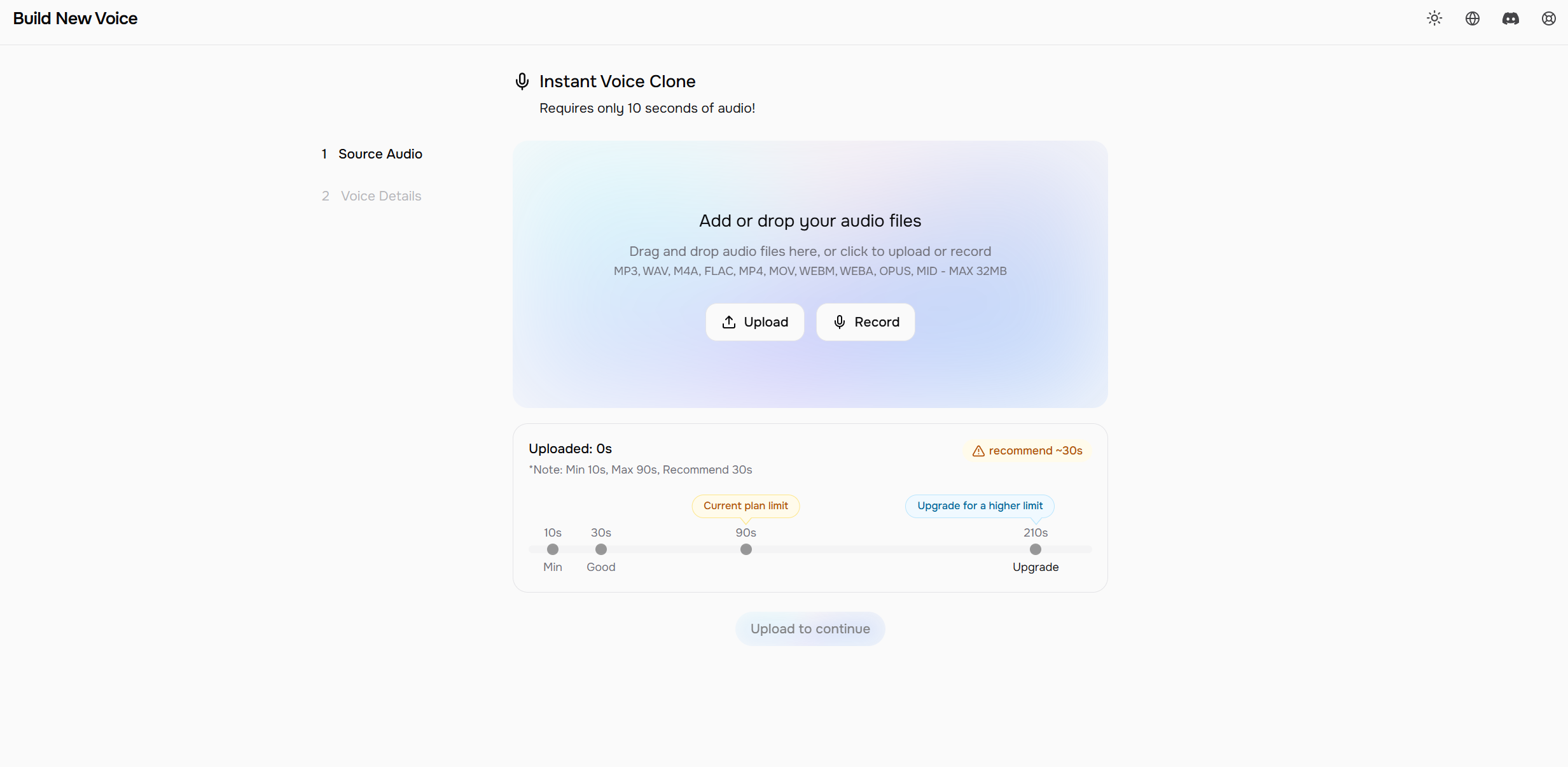
Fish Audio S2 delivers the most natural-sounding voice cloning on the market, ranked #1 based on ELO and benchmarks. Its open-weights S2 model clones any voice from a 15-second sample across 80+ languages, with fine-grained emotion controls ([excited], [whispering], [sad]) that offer more expressive output than ElevenLabs. API access starts at ~$15/1M characters, roughly 10x less than ElevenLabs, with a 200ms time-to-first-audio for real-time use cases.
Strengths
Most natural and expressive voice cloning, ranked #1 based on ELO and benchmarks
Fine-grained emotion tag controls for precise mid-sentence expressiveness
80+ languages with cross-lingual cloning from a 15-second sample
200ms TTFA, suitable for real-time and streaming voice pipelines
API at ~$15/1M characters
2M+ community voice models
Best for
Developers who need the highest voice quality and expressiveness, content creators requiring multilingual voice cloning, and teams looking for an affordable, scalable TTS API.
Considerations
Commercial use of the open-weights model requires a paid license. The free tier is limited to 7 minutes per month.
2. ElevenLabs
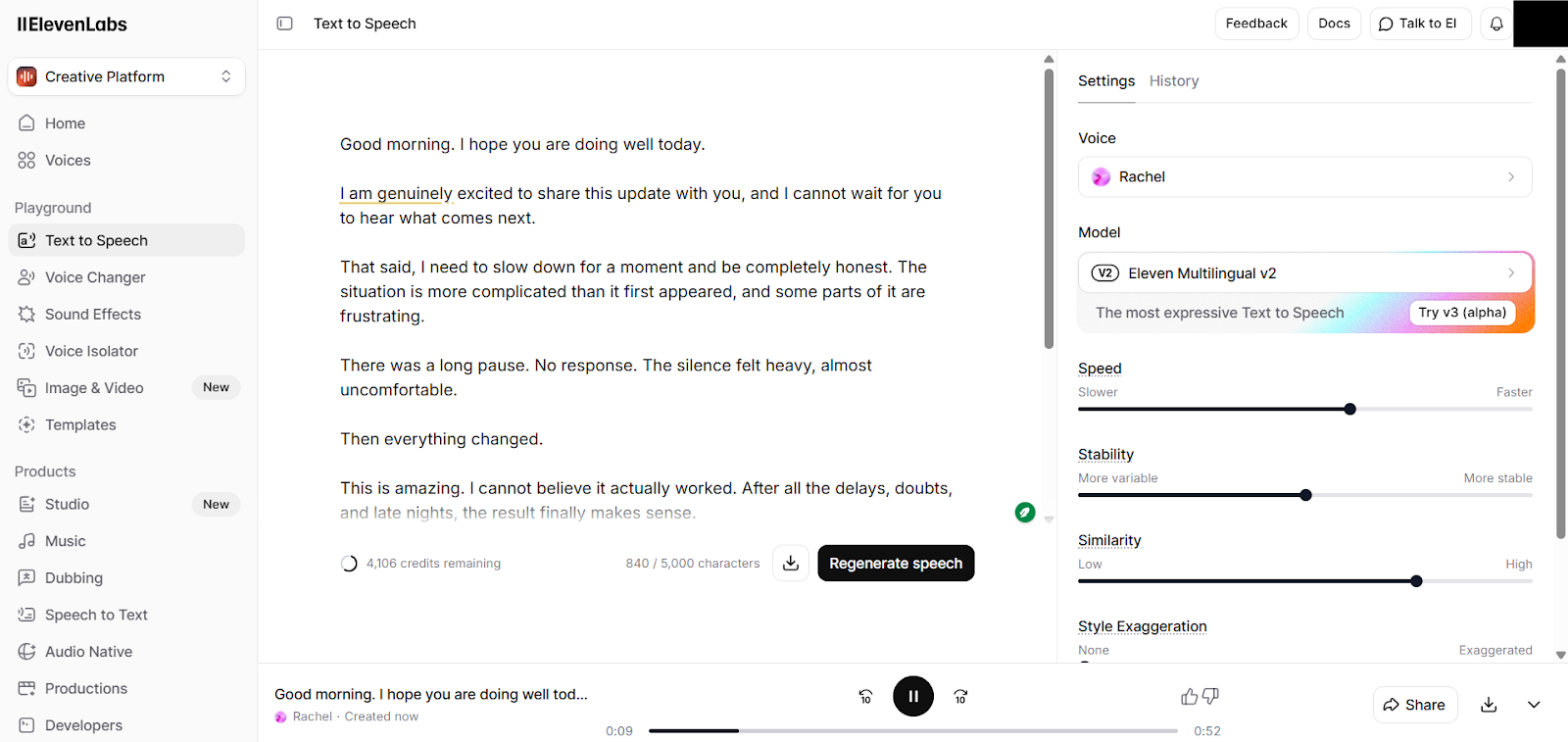
ElevenLabs is recognized for producing ultra-realistic, highly expressive speech and advanced voice cloning capabilities. Its technology leverages neural network-based TTS models that closely mimic human intonation and prosody, making it particularly appealing for creative and content-driven applications.
Strengths
Highly natural and expressive voices suitable for storytelling
Advanced voice cloning for custom or branded voices
Supports around 74 languages and voice styles for flexible applications
Strong community and developer support for creative projects.
Best for
Developers building interactive AI voice applications, conversational agents, or enterprise tools that need highly realistic, expressive speech.
Considerations
The premium pricing tier may be higher than that of other providers. The ecosystem for enterprise integration is smaller compared with major cloud platforms.
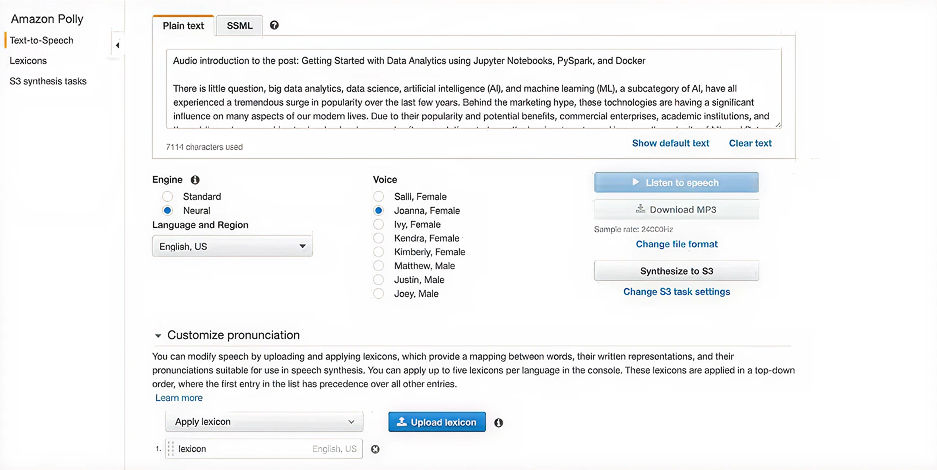
3. Amazon Polly
Amazon Polly is AWS’s TTS service that combines neural and standard voice options, providing high-quality speech synthesis with reliable scalability. It fully integrates with the AWS ecosystem, enabling developers to leverage other cloud services, such as Lambda, S3, and Lex, for voice-driven applications.
Advanced SSML (Speech Synthesis Markup Language) support to control pronunciation, pauses, and emphasis
Pay-as-you-go pricing model for flexible cost management
Integration with AWS services for end-to-end cloud applications.
Best for
Developers and teams already using AWS services, especially for voice assistants, IVR systems, or scalable SaaS applications.
Considerations
The API relies on AWS infrastructure. Offline or on-premise capabilities are limited.
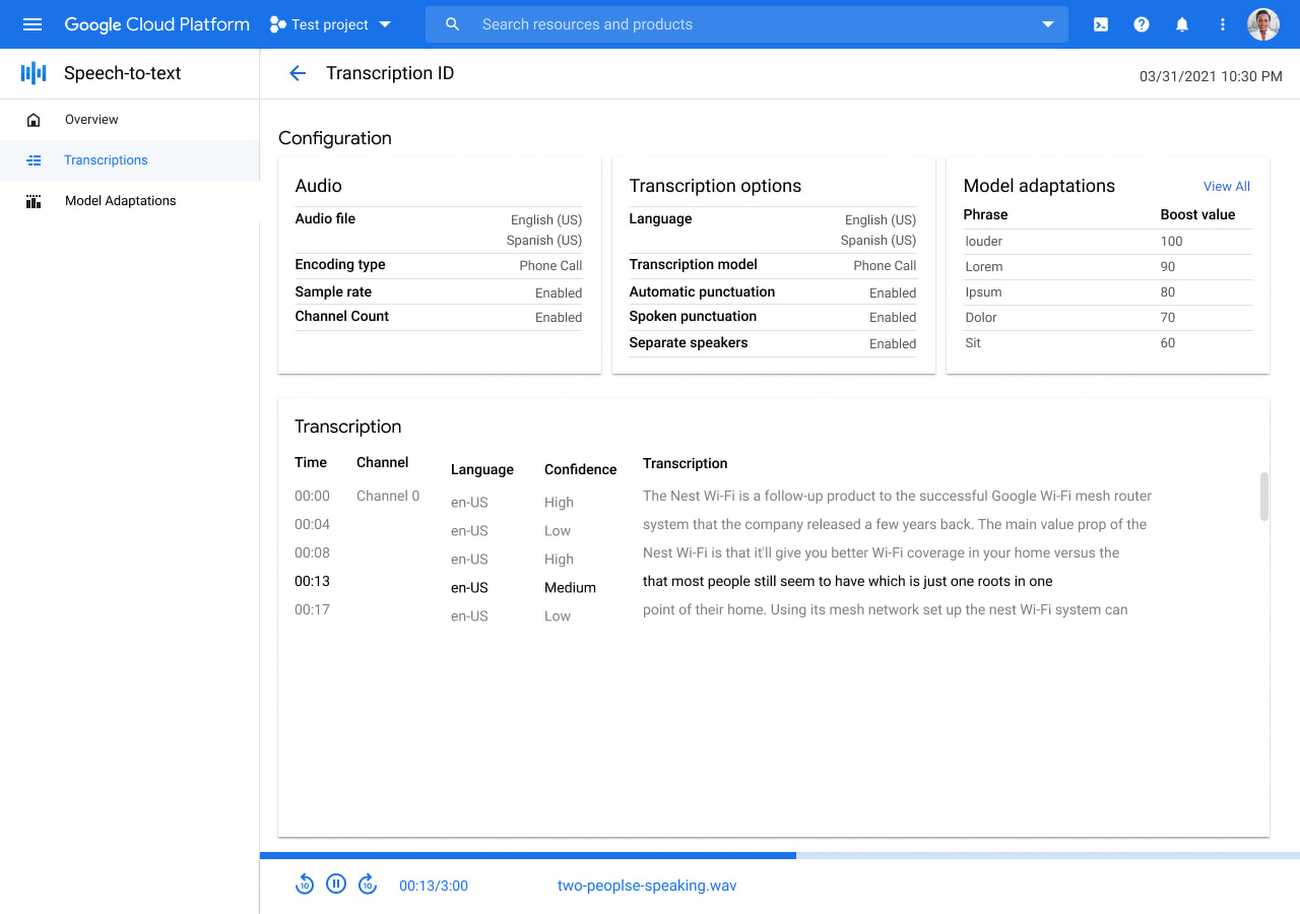
4. Google Cloud Text-to-Speech
Google Cloud Text-to-Speech offers WaveNet-based voices and broad multilingual support, making it a strong choice for applications targeting international audiences. It integrates seamlessly with Google Cloud services, including Dialogflow, for conversational AI, and supports multiple voice variants per language.
High-quality neural voices using WaveNet technology
Flexible API with batch and streaming support
Well-documented SDKs and integration guides for developers.
Best for
Applications with a global reach requiring multiple languages and accents, and projects leveraging the Google Cloud ecosystem.
Considerations
Voice customization is more limited compared with specialized providers. Some advanced features may require additional configuration.
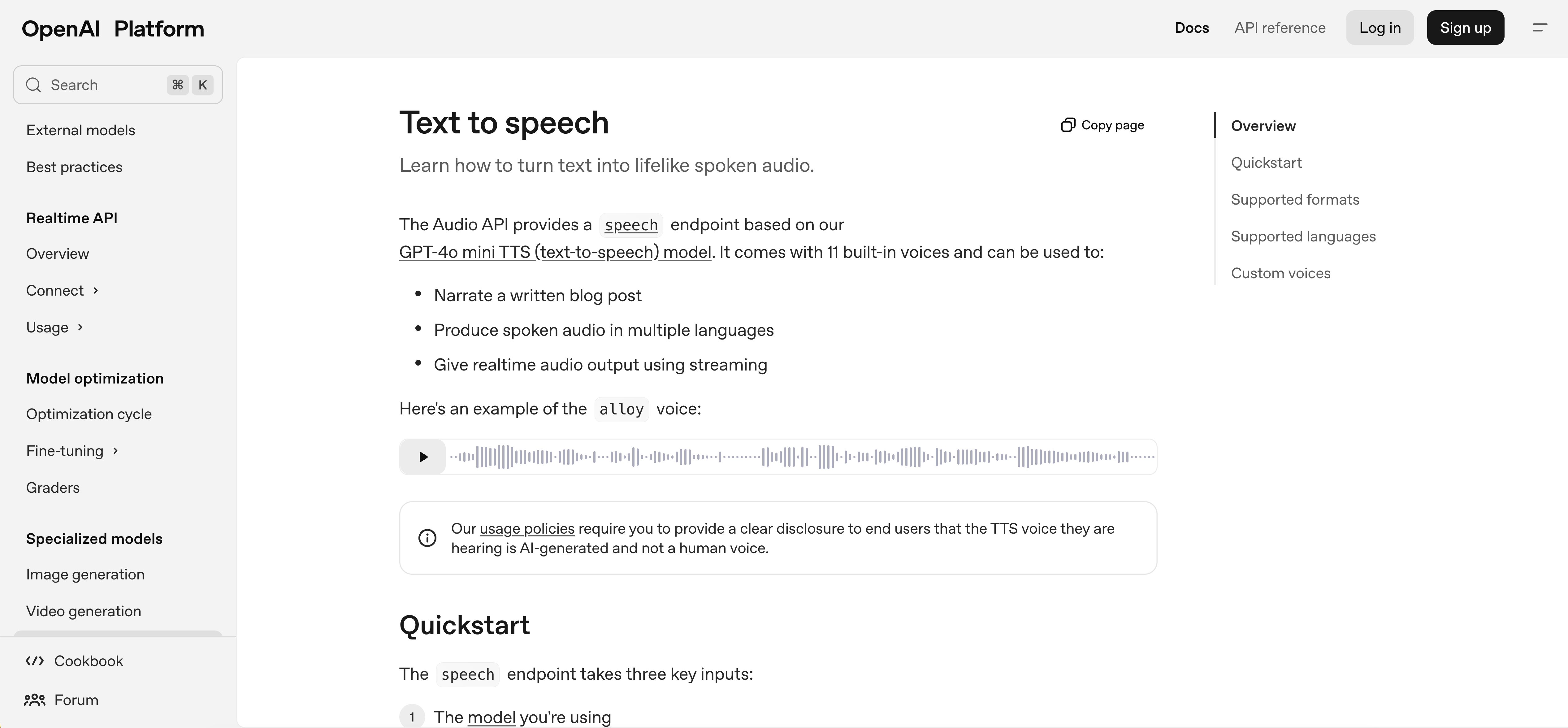
5. OpenAI TTS
OpenAI TTS is part of OpenAI’s audio API suite and is designed to work seamlessly with GPT-based conversational AI. Its simplicity and consistent quality make it ideal for developers looking to add voice output to interactive chatbots and virtual assistants.
Strengths
Natural-sounding voices optimized for dialogue and conversational use cases
Easy integration with OpenAI’s language models for end-to-end conversational applications
Suitable for rapid prototyping and experimentation
Reliable and consistent speech output.
Best for
Conversational AI projects, interactive virtual assistants, and applications that are already leveraging OpenAI models.
Considerations
Options for voice cloning and custom voice creation are limited. Language coverage is limited compared with cloud-native providers.
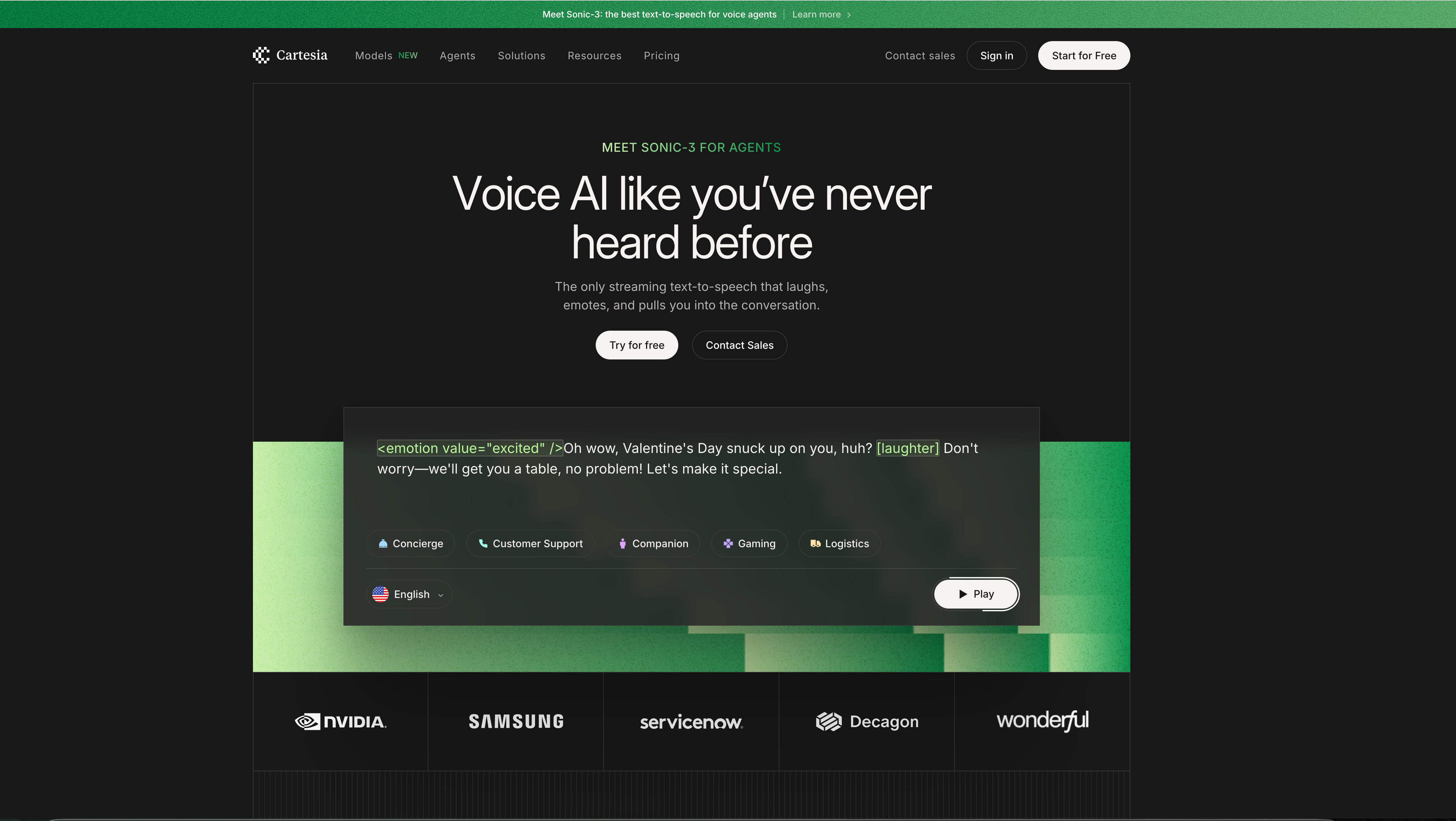
6. Cartesia
Cartesia is purpose-built for ultra-low latency applications and prioritizes streaming-first TTS for real-time interactions. Its architecture allows speech to begin generating almost immediately, making it a top choice for telephony, live assistants, and interactive applications where responsiveness is critical.
Maintains voice quality even under fast generation
Reliable for telephony and live voice interactions.
Best for
Latency-sensitive use cases, including live telephony, call centers, and real-time AI voice agents.
Considerations
Language coverage is smaller compared with major cloud providers. Advanced voice cloning features may not be available.
7. Microsoft Azure Text-to-Speech
Microsoft Azure TTS provides enterprise-grade, neural network-based speech synthesis with extensive multilingual support and customizable voices. Its service includes Custom Neural Voices, which allow developers to create branded or unique voices. Azure TTS integrates seamlessly with other Microsoft Azure services, making it a strong option for large-scale applications.
Custom neural voice creation for branding or personalization
Strong integration with the Microsoft Azure ecosystem.
Best for
Enterprise applications, global products requiring multiple languages, and projects needing custom voice branding.
Considerations
Custom voice creation may require approval and compliance with ethical guidelines. Pricing can be higher for enterprise-tier usage.
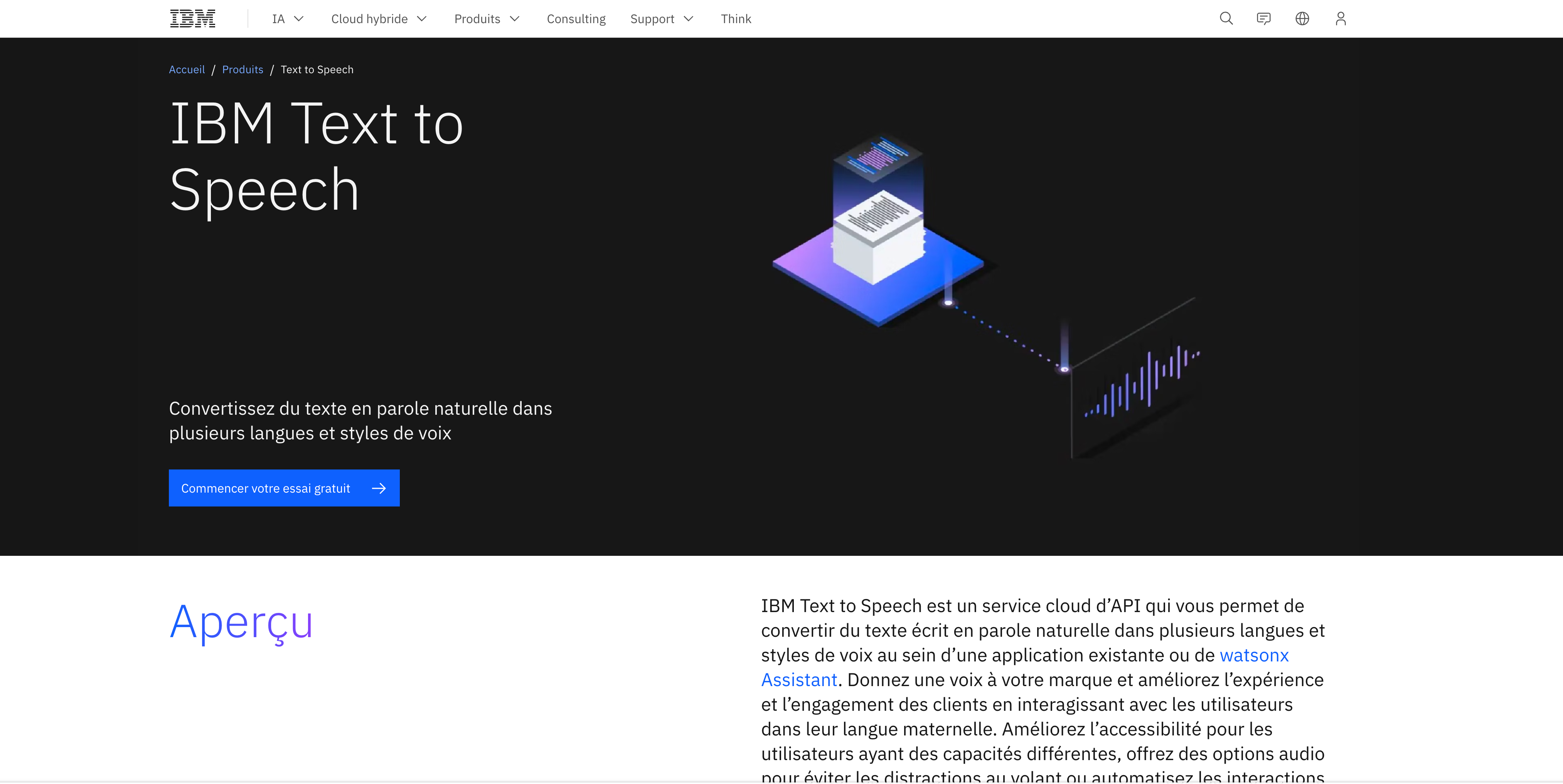
8. IBM Watson Text-to-Speech
IBM Watson TTS is a well-established service offering neural TTS voices, SSML support, and options for custom voice models. It focuses on delivering natural-sounding speech with reliable performance, suitable for business applications such as virtual assistants and interactive voice response (IVR) systems.
Strengths
Natural, high-quality voices optimized for clarity and engagement
Enterprise-ready deployment for consistent, reliable voice performance at scale.
Custom voice model creation available for brand or personality-specific voices
Strong support for SSML, allowing control over pronunciation, pauses, and emphasis.
Best for
Business applications, IVR systems, chatbots, and enterprise voice deployments.
Considerations
Fewer languages than cloud-native competitors; latency may vary depending on the deployment region.
How TTS APIs compare
Before choosing a TTS API, it’s helpful to review how the top providers stack up across key technical and practical criteria. Comparing voice quality, latency, language coverage, voice cloning, and pricing provides a quick reference for decision-making.
API Comparison Table
API
Voice Quality
Latency
Languages
Voice Cloning
Pricing Model
Fish Audio S2
Most natural-sounding; fine-grained emotion tag controls
Ultra-low (200ms TTFA)
80+
Yes (15-sec sample, cross-lingual)
Free (7 min/mo), Plus $11/mo (200 min), Pro $75/mo (27 hrs); API ~$15/1M chars
Pay-as-you-go per character: Standard voices $4/M chars, Neural voices $16/M chars, Long-Form voices $100/M chars, Generative voices $30/M chars; includes free tier (5M Standard, 1M Neural first year).
Google Cloud TTS
High-quality WaveNet voices
Medium
75+
No
Pay-as-you-go per character (Standard/WaveNet $4 per 1M chars; Neural2 $16 per 1M; HD voices $30; Custom $60; Gemini token pricing). Free tier for legacy voices.
OpenAI TTS
Natural, dialogue-optimized
Low-Medium
57
No
Pay-as-you-go: Standard TTS ~$15 per 1M chars; HD ~$30 per 1M chars; real-time TTS via gpt-4o-mini ~$0.015/min. Token pricing varies by model tier.
Moving on from architectural considerations into reviewing practical performance, this section grounds the discussion around real API behavior.
Design patterns and feature lists only go so far. Our evaluations revealed tradeoffs across providers. Some APIs prioritize speed, while others focus on richer, more natural voices at the cost of longer response times. Production choices depend on how TTS systems behave under real execution conditions.
We tested several text-to-speech APIs using the same end-to-end method to compare real-world performance. Latency refers to the total time it takes to send a request and receive the complete audio file. This includes network overhead, text processing, speech generation, audio encoding, and response delivery. It does not measure the time to the first audio.
Latency behavior
Plain text synthesis exposed clear differences across providers.
Fish Audio S2 achieves a vendor-stated 200ms time-to-first-audio, the lowest among the providers reviewed, making it well suited for streaming and real-time voice pipelines.
Amazon Polly and Google Vertex AI consistently returned audio quickly, with stable response times across repeated runs.
Cartesia generated audio reliably for plain text, showing moderate but consistent latency.
ElevenLabs completed requests more slowly, reflecting a focus on richer voice generation rather than speed.
Beyond average latency, execution patterns revealed additional nuance. In some services, SSML-based synthesis was faster than plain text, which runs counter to typical expectations. Individual runs also showed noticeable variability, with some requests completing much faster or slower than the mean. This behavior appears linked to internal stability adjustments and voice generation complexity, highlighting why averages alone do not capture real-world performance.
Voice quality
Voice quality varied more than latency across providers.
Fish Audio S2 ranked #1 based on ELO and benchmarks in blind preference testing, outperforming ElevenLabs V3 in 60% of head-to-head comparisons.
Amazon Polly produced reliable but noticeably mechanical speech.
Cartesia and ElevenLabs delivered more natural pacing and pitch variation.
Google Vertex AI generated highly realistic voices that remained comfortable over longer passages.
Some providers deliver highly natural, expressive voices that enhance engagement and increase response times. Others produce faster, more consistent output with simpler voices, which can feel robotic or less dynamic. Choosing a TTS API often requires developers to balance expressiveness against speed and consistency.
Flexibility models
Control mechanisms differed across APIs. Fish Audio S2 uses emotion tag controls that enable mid-sentence expressiveness without restructuring the input text, combining the simplicity of parameter-based approaches with granular control closer to SSML-level precision. Amazon Polly and Google Vertex AI rely on SSML to adjust pitch, rate, and emphasis. This approach allows fine-grained control over speech output, but using SSML for long passages can become cumbersome, as modifying text structure increases complexity. Cartesia and ElevenLabs use parameter-based controls, making expressiveness easier to tune without altering the input text. This works well for short responses and rapid testing. However, it limits mid-sentence or mid-paragraph variation and does not offer the same level of granular control as SSML, reflecting a tradeoff between simplicity and precision.
Developer experience
All APIs were usable in practice, though setup effort varied. Cloud platforms required additional configuration steps, while API key–based services enabled faster iteration. Documentation quality was generally strong across providers.
During hands-on testing, parameter-based APIs were faster to iterate on because developers could adjust expressiveness without modifying the input text. SSML-based APIs often require more trial and error, as changes to pitch, rate, or emphasis in one part of the text could affect other sections. This increased testing time and introduced noticeable developer friction during fine-tuning.
Here is the breakdown of our findings:
API Comparison Table
API
Plain Text Latency (average of three)
Voice quality
Flexibility type
Developer experience
Fish Audio S2
200ms
Highly expressive; ranked #1 ELO
Emotion tag-based
Simple API key, no cloud setup required
Amazon Polly
Fast (1.26s)
Consistent, less expressive
SSML-based
Mature SDKs, clear setup
Cartesia
Slow (11.35 slow seconds range)
Natural, smooth
Parameter-based
Simple integration
ElevenLabs
Very Slow (46.45s)
Highly expressive
Parameter-based
Very easy to use
Google Vertex AI
Moderate (2.84s)
Highly realistic
SSML-based
Well documented
These results provide a practical baseline. With individual TTS behavior understood, the next section examines how these systems fit into complete voice pipelines alongside speech-to-text.
How to build a voice pipeline with TTS and STT
Modern voice applications require bidirectional communication. Users speak, systems process the input, and responses are delivered as natural speech. Behind the scenes, this happens through speech-to-text (STT), which captures and converts spoken words into text, and text-to-speech (TTS), which turns written responses into audio. Well-designed pipelines ensure interactions feel smooth and human-like, which is essential for voice agents, IVR systems, and meeting assistants.
To build an effective voice pipeline, developers need to understand how the different components interact. This includes how STT captures input, how the system processes it, and how TTS generates the output. Breaking down these stages helps clarify design decisions and highlights key performance considerations for real-time applications.
A bidirectional voice pipeline starts when a user speaks. STT captures the speech and converts it to text. The application processes the text to determine meaning or intent. Finally, TTS generates the spoken response back to the user.
This loop enables real‑time conversational experiences. Voice agents, interactive voice response systems, and meeting assistants all rely on this pattern. Reducing delays at each stage makes interactions feel more natural and human‑like.
Pairing TTS with real‑time speech‑to‑text
TTS and STT work together to create seamless voice interactions. STT converts the user’s speech into text, which the system then interprets to generate a response. Errors in transcription or delays in STT can affect how accurately and quickly TTS delivers the spoken reply.
Looking at both together helps maintain consistent timing and smoother conversations. Using TTS alongside a strong STT service, such as Gladia, improves transcription accuracy and reduces latency. This results in a better experience for real-time voice applications.
Optimizing end‑to‑end latency
End‑to‑end latency is the total time from capturing a user’s speech to delivering the spoken response. It includes the time for STT, application logic, language processing, and TTS.
Streaming both STT and TTS can reduce the pause between user input and system response. Minimizing network hops, deploying services closer to users, and using efficient protocols like WebRTC also help. Real‑world latency tests show that well‑tuned pipelines can achieve sub‑1.5‑second end‑to‑end delays, improving user experience.
How to choose the right TTS API for your project
With the top 8 TTS providers in mind, here are the key factors to help you decide which one fits your needs:
Latency requirements: Real-time voice agents need responses often under 200 milliseconds. Batch generation tasks are less sensitive.
Language and voice support: Ensure coverage for all required languages, accents, and dialects. Consider custom or cloned voices for branding or accessibility.
Existing tech stack: Check which APIs integrate best with your current platform (e.g., AWS, Google Cloud).
Cost at scale: Understand pricing models (per character, per request, per minute) and estimate usage to manage expenses.
Real audio testing: Prototype with actual content to assess intonation, clarity, and naturalness beyond demos.
End-to-end pipeline evaluation: Pair TTS with real-time STT to measure latency, accuracy, and overall responsiveness. Tools like Gladia can help test the full flow.
Ultimately, the best TTS API depends on your project’s goals and constraints. For developers building full voice pipelines, combining TTS with real-time transcription provides insight into latency, accuracy, and overall responsiveness.
On the STT side of your workflow, you can request a Gladia demo to evaluate real-time transcription alongside your selected TTS solution. Also, if you're curious to explore some of the more recent, yet fast-growing companies in the space, check out our recent chat with Rime.
FAQs about text-to-speech APIs for developers
Are text-to-speech voices copyrighted?
Yes, synthesized voices from commercial TTS APIs are typically subject to licensing terms that restrict usage, redistribution, and voice cloning without consent. Always review the provider's terms of service.
What is the difference between TTS APIs and open-source TTS models?
TTS APIs are managed services with hosted infrastructure, support, and usage-based pricing. On the other hand, open-source models require self-hosting and maintenance but offer more customization and no per-request costs.
Can TTS APIs handle SSML for pronunciation control?
Most commercial TTS APIs support SSML (Speech Synthesis Markup Language), which allows developers to control pronunciation, pauses, emphasis, and prosody for more natural-sounding output.
Contact us
Your request has been registered
A problem occurred while submitting the form.
Read more
Speech-To-Text
Custom vocabulary vs. custom spelling: which one to choose for better transcripts
Speech-To-Text
Build a customer interview library with Gladia, Airtable & Make.com
Speech-To-Text
Build an automated sales call analyzer with Gladia and n8n
From audio to knowledge
Subscribe to receive latest news, product updates and curated AI content.
Thank you! Your submission has been received!
Oops! Something went wrong while submitting the form.